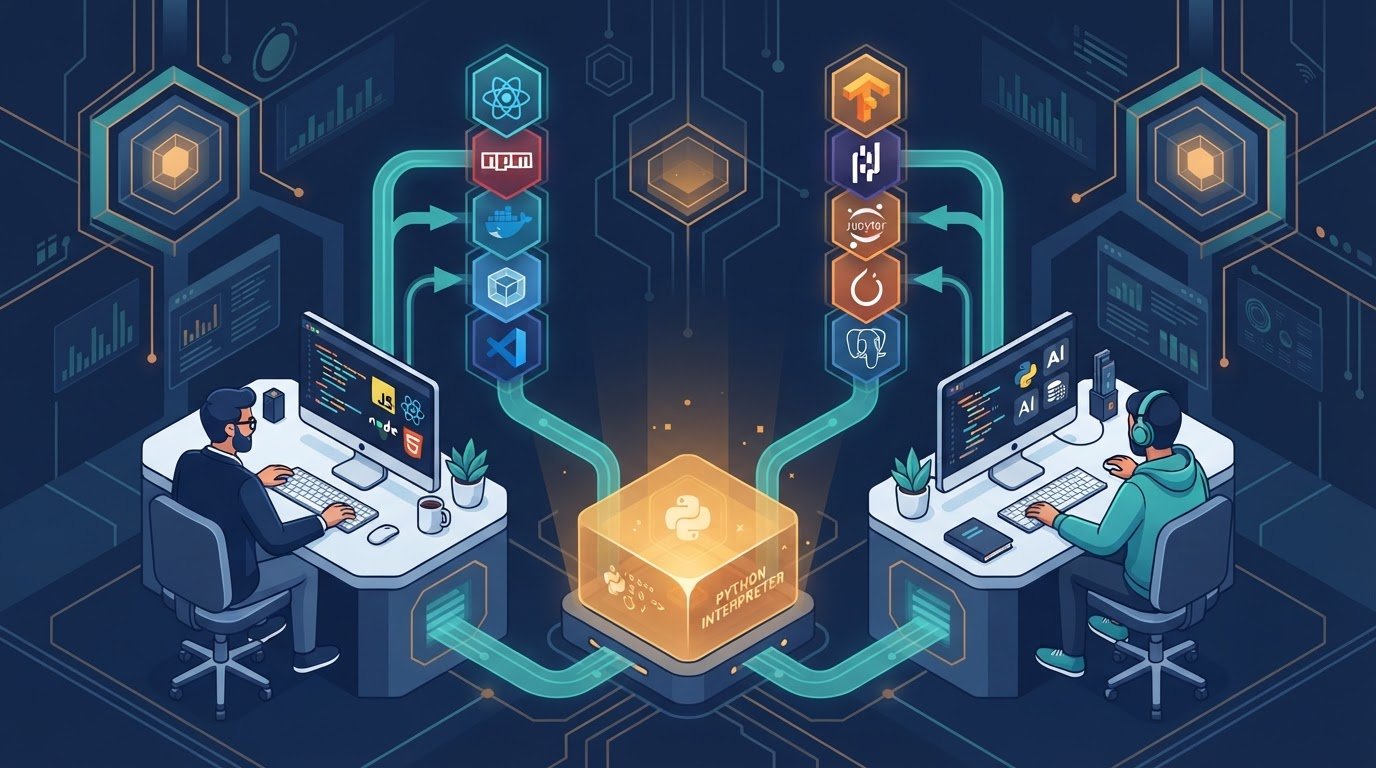
Your Python script runs perfectly on your laptop, but a classmate downloads it and immediately gets a ModuleNotFoundError. You send them the missing package name, they install it, and another error appears. The problem is not necessarily your code. You have shared the program without sharing enough information about the environment it needs.
A Python virtual environment gives each project its own package installation. Combine it with a dependency file, a recorded Python version and a small verification test, and you have a practical way to make projects easier to reproduce. This guide takes you from an empty directory to a handoff another developer can follow, without requiring Docker or a complicated packaging framework.
What a virtual environment actually isolates
Imagine two student projects that use different versions of the same library. A single global package installation forces both projects to share that library. A separate environment for each project lets you change one without automatically changing the other. The standard Python venv module creates an environment based on an existing interpreter, with its own package directory. See the Python venv reference for implementation details.
This is dependency isolation, not a security sandbox. A script can still access files and network resources available to your operating-system account. Only run code and install packages you trust. If you are new to the language itself, start with our Python learning roadmap before moving on to project organization.
Create a project on Windows, macOS or Linux
Open a terminal in a new project directory. Check that Python 3 is installed and note the version it reports. On Windows, the Python launcher may be available as py; on macOS and Linux, python3 is commonly the appropriate command.
python3 --version
python3 -m venv .venv
source .venv/bin/activate
The preceding commands are for macOS and Linux shells such as Bash or Zsh. For Windows PowerShell, use the following instead:
py --version
py -m venv .venv
.\.venv\Scripts\Activate.ps1
If activation is blocked by your organization’s PowerShell policy, do not change that policy just to follow a tutorial. You can invoke the environment’s interpreter directly using .\.venv\Scripts\python.exe on Windows or .venv/bin/python on Unix-like systems. Activation is a convenience that changes command lookup; it is not a requirement for using the environment.
Check which interpreter is actually running before installing anything. The following commands should identify your new environment and its pip installation.
python -c "import sys; print(sys.executable); print(sys.prefix != sys.base_prefix)"
python -m pip --version
The Boolean should be True when using the virtual environment. The executable and pip paths should refer to the intended project. If they do not, stop and correct the interpreter selection. The Python Packaging User Guide provides platform-specific setup guidance.
A small project worth sharing
For a concrete example, build a command-line program that calculates the average of three sample quiz scores. It needs no external package, so it gives you a baseline for distinguishing interpreter problems from dependency problems. Save this as app.py outside the .venv directory.
from statistics import mean

scores = [72, 84, 96]
print(f'Average: {mean(scores):.1f}')
python app.py
# Expected output: Average: 84.0Now suppose you extend the project with a terminal formatting library. Rich is one example of a third-party package; it is optional for this exercise. Install it only if you intend to use it, and add the following import and print statement to a separate file named report.py.
python -m pip install richfrom rich.console import Console
from statistics import mean
Console().print(f'[bold]Average:[/bold] {mean([72, 84, 96]):.1f}')The expected visible text is still Average: 84.0, with styling in a compatible terminal. These examples are illustrative; the external package installation has not been executed for this article. The point is to make a missing dependency easy to diagnose: app.py uses the standard library, whereas report.py requires Rich.
Record dependencies before handing off the project
Once the project runs, capture its installed dependencies. Use a clean environment that contains only what the project needs, rather than freezing an unrelated global installation.
python -m pip freeze > requirements.txt
python -m pip check
Review requirements.txt in your editor. You should see package names and versions for the optional library and its dependencies if you installed it. Do not paste invented version numbers into the file. The pip freeze documentation explains the distinction between an installed-package snapshot and a resolved lockfile.
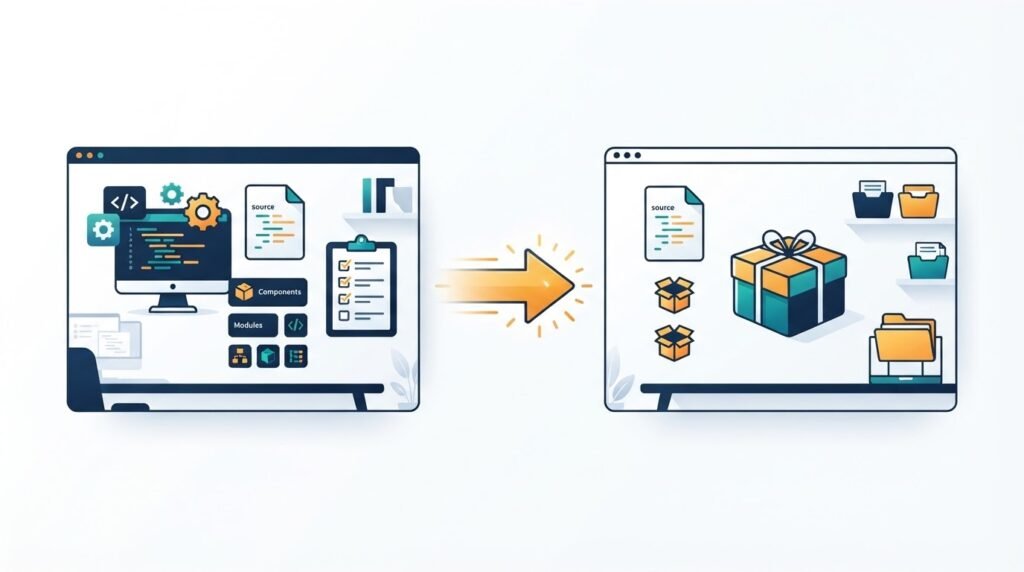
Keep app.py, report.py if used, requirements.txt and a README in version control. Add .venv/ and __pycache__/ to your project’s .gitignore. Do not commit credentials, local configuration containing secrets or the environment directory. The README should specify the Python version used, the setup command, the command that starts the program and the expected result.
Rebuild the project in a fresh directory
A useful handoff test is to copy only the source files and dependency declaration into a new directory. Create a new environment there, using the same Python minor version when possible. Activate it using the appropriate command from above, then run:
python -m pip install -r requirements.txt
python -m pip check
python app.py
python report.py
Skip the final command if you did not create report.py. This test catches a common mistake: relying on a package that happens to exist in your original environment but was never recorded. It also exposes machine-specific assumptions, such as absolute paths to input files. A successful pip check confirms declared package dependencies are compatible, but does not prove that your program behaves correctly. Run the program and compare its output as well.
Troubleshooting: diagnose before reinstalling
ModuleNotFoundError: Check the interpreter path and use python -m pip show followed by the distribution name to see whether the library is installed there. Remember that an import name can differ from the distribution name. Consult the library’s official installation instructions rather than installing a similarly named package blindly.
Externally managed environment: Some operating-system Python installations restrict global pip changes. Create a project environment instead of overriding that protection. If venv creation fails because a distribution component is missing, follow your operating system’s supported Python installation instructions.
Works in the terminal but not the editor: Select the interpreter inside .venv in your editor. Restart its integrated terminal if necessary. Check sys.executable in the editor’s run configuration as well as the terminal; they can point to different installations.
Installation fails on another operating system: Read the first relevant error. A dependency may require a compatible Python version, a platform-specific binary or an operating-system library. Repeatedly reinstalling pip will not solve all of these problems. Record the platform on which you tested and avoid claiming universal compatibility.
When requirements.txt is not enough
A frozen dependency list is a reasonable starting point for a small learning project, but it does not capture the operating system, native libraries, interpreter build or every artifact used during installation. A team maintaining a larger application may benefit from explicit direct dependencies in pyproject.toml, a compatible locking workflow and automated tests across supported platforms. Choose the additional complexity when you have a concrete reproducibility problem to solve.
For deployment, the same distinction between application code and its operating environment matters even more. Our cloud security overview introduces the broader responsibilities that remain when software runs on managed infrastructure. Students can also browse the TechHackWorld course catalog for structured learning.
A practical handoff checklist
Before sending a project to a classmate or adding it to a portfolio, make sure the repository contains the actual source, dependency declaration, Python version and a short run instruction. Recreate the environment from scratch and check a known output. Keep the environment itself out of the repository. Document any platform limitations you discover rather than hiding them.
The most useful outcome is not a terminal prompt with (.venv) at the beginning. It is a project that another person can understand, install and verify without guessing what was on your laptop.
Editorial note: This guide was prepared with AI assistance using official Python and pip documentation. Illustrations are AI-generated; example outputs are expected results, not recorded benchmark measurements.
Discussion 0
Ask a question or share useful feedback. Promotional comments and links are not allowed.
No published comments yet. Start the discussion.