
A backup dashboard can show a successful job every night while the application it protects remains impossible to recover. The missing piece is often not storage capacity or another backup product, but a rehearsed recovery process. For a student building a first cloud application or a developer maintaining a small service, learning to test recovery is more valuable than simply collecting snapshots.
Cloud backup restore testing means recovering a known copy into a separate environment, checking that the recovered data and application actually work, and measuring the result against your recovery targets. This guide explains how to plan that exercise without interrupting a live service. The scenarios and timings below are illustrative, not measured cloud benchmarks.
Start with two recovery targets: RPO and RTO
Recovery point objective (RPO) describes how much recent data loss a service can tolerate, expressed as time. Recovery time objective (RTO) describes how long the service can remain unavailable. These are requirements set by the people responsible for the service, not guarantees supplied by a backup schedule.
Imagine a coursework submission portal with an RPO of 60 minutes and an RTO of two hours. A failure occurs at 14:00. The newest usable recovery point contains submissions through 13:15. The observed recovery gap is 45 minutes, so the RPO is satisfied. If the portal is usable again at 15:40, the recovery takes 100 minutes and also satisfies the RTO. If the database comes online at 15:00 but users cannot submit coursework until 16:30, the service misses its RTO despite the database restore succeeding.
Choose targets separately for each workload. A static documentation site that can be rebuilt from source may tolerate a longer outage than a registration system that accepts new records continuously. Aggressive recovery targets can increase infrastructure and operational costs, so agree on the actual need before buying additional services.
Know what must be recovered
An application is rarely just a database. It may depend on uploaded files, configuration, application packages, network rules, encryption keys and an identity provider. Draw a small dependency map before selecting a backup strategy. Mark which components can be recreated from version-controlled definitions and which contain unique data that must be preserved.
For example, a web application might store document metadata in a database while keeping the documents in object storage. Restoring the database alone could produce valid records pointing to missing files. Recovering both systems from incompatible points in time can also create broken references. A recovery plan should explain how to identify and handle these inconsistencies.
TechHackWorld’s introduction to cloud security provides useful background on the responsibilities that remain with the application owner. Managed infrastructure does not remove the need to understand your own data and recovery requirements.
Design a safe, isolated restore exercise
Use a separate test account, project or network where practical. Start with synthetic records rather than customer information. Keep the recovered service disconnected from production traffic and disable outbound email, payment processing and scheduled jobs in the test configuration. Otherwise a restored application might repeat old transactions or contact real users.
Document the selected recovery point, its creation time, the target environment, the person responsible for the test and the expected result. Ensure the recovery operator has appropriate permissions and access to any required encryption keys. Avoid granting broad permanent administrator access just to make a drill convenient.
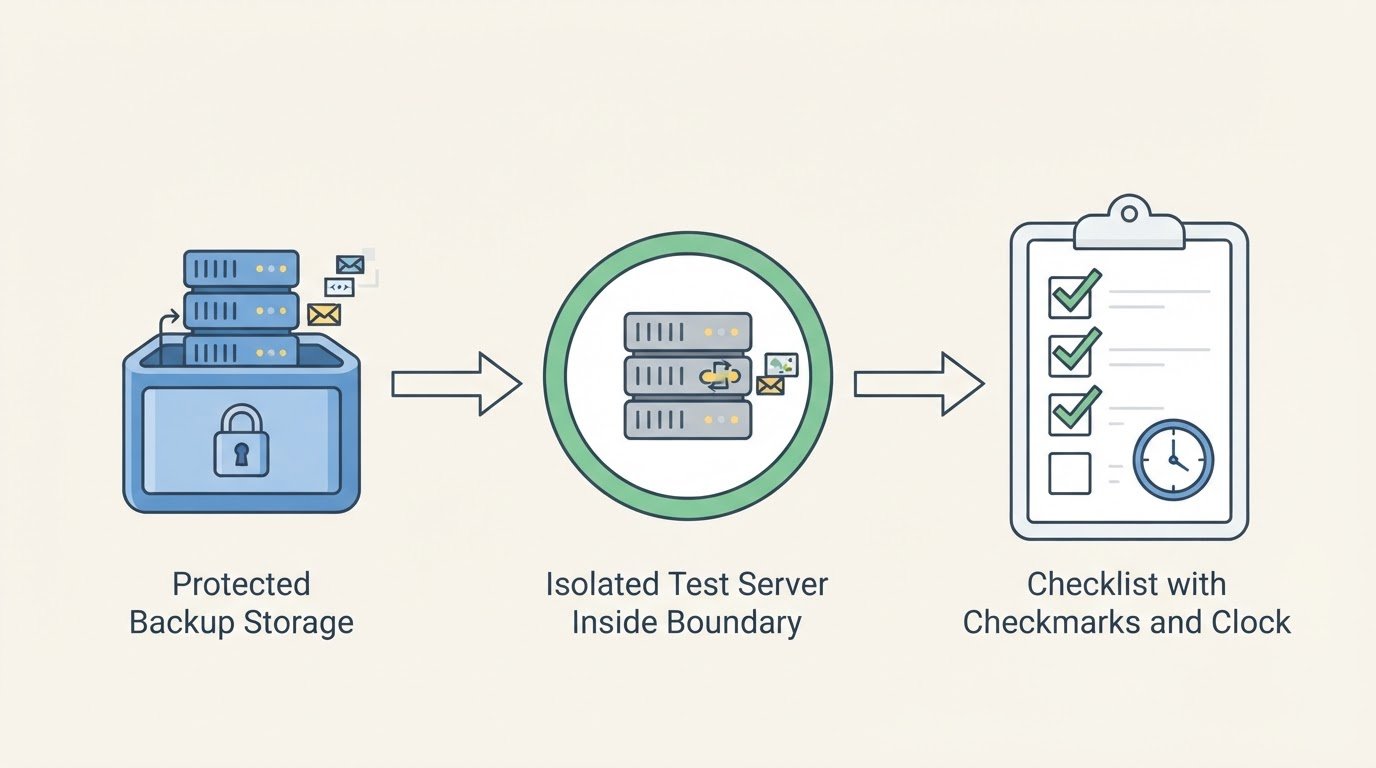
The AWS Well-Architected recovery guidance recommends checking recovered data and measuring recovery performance. Translate that principle into application-specific acceptance criteria rather than treating the infrastructure job status as the final result.
A practical recovery validation checklist
Begin with a small fictional inventory application. Before taking its backup, create three sample products with known identifiers, quantities and prices. Save an expected record count and a sample of the expected values outside the application. Include a small sample attachment if the application supports files. After restoring, compare the recovered records with this independent reference.
Check whether the application starts with the recovered configuration. Read a known record through its normal interface, open the sample attachment and create a new test record. Confirm that the new record can be retrieved. Test with a normal user role as well as an administrator, because a working administrator session can hide permission problems that affect ordinary users.
Record the time at which the simulated outage begins, the time at which the recovery starts, and the time at which the application passes its acceptance checks. The gap between the first and last timestamps is the relevant service recovery duration for this exercise. Keep the infrastructure restore duration as a separate diagnostic measurement.
For a small project, a spreadsheet with columns for recovery point, expected record count, actual count, attachment check, access check, elapsed time and result is enough. For a larger project, automate repeatable assertions in a test suite. Developers learning to organize isolated test dependencies can use the Python virtual environments guide as a starting point.
Choose a recovery mechanism that matches the failure
A file-level backup is useful when individual documents are lost. A volume or virtual machine snapshot can help reconstruct a larger system, but its application consistency depends on how the snapshot was created. Database-native backups and point-in-time recovery may provide more precise recovery for transactional data. A version-controlled application package helps rebuild code but does not automatically preserve user records.
Replication and backups address different problems. Replication can maintain availability when a component fails, but unwanted changes may also propagate to the replica. Retained historical recovery points help recover an earlier state. Neither approach is a universal replacement for the other.
Cloud platforms offer different recovery options. AWS Backup restore testing supports scheduled exercises for eligible resources. Microsoft’s cloud backup and recovery benchmark describes recovery testing as a security control. Review the actual service support, permissions, retention and cost before enabling a feature; the existence of a platform capability does not mean every resource supports it.
Troubleshoot the problems a successful backup job can hide
If a recovery job succeeds but the application fails to start, inspect its dependencies first. A missing environment setting, incompatible runtime or unavailable database credential can prevent a healthy data copy from being useful. Store recovery instructions and configuration templates separately from the service being protected, without putting secret values into source control.
If the recovered records are older than expected, inspect the actual recovery point timestamp rather than the time the backup job finished. Check for missed jobs and whether the selected recovery point belongs to the intended resource. A nominal hourly schedule does not prove that the latest usable copy is less than an hour old.
If recovery exceeds the time objective, break the exercise into phases: provisioning, data restoration, application configuration and validation. Optimizing the slowest phase is usually more useful than guessing. For instance, prewritten infrastructure definitions may reduce configuration time, while a different data recovery mechanism may address a slow restore.
If recovery depends on another region, explicitly test the dependencies in that region. Azure Backup reliability guidance explains that regional recovery behavior varies with configuration. A regional backup copy is not the same as a fully configured regional application.
Turn the drill into a repeatable operational habit
Write a short runbook with prerequisites, recovery point selection, restoration steps, validation checks, expected timings and a clear cleanup procedure. Keep a record of failed checks and assign each finding an owner. Repeat the exercise after major changes to database structure, storage layout, authentication or deployment architecture. Choose a regular cadence based on the service’s importance and rate of change.
Budget for temporary recovery resources and storage. Confirm which resources belong to the exercise before removing them, and never remove the original recovery points as part of test cleanup. Keep evidence of the results without retaining unnecessary copies of sensitive data.
For learners interested in operations and security roles, the ability to explain a recovery drill and its limitations is a useful practical skill. TechHackWorld’s cybersecurity career roadmap offers further context for building foundational skills.
The first milestone is not a perfect disaster recovery architecture. It is a documented, repeatable demonstration that a known backup can produce a working application within agreed limits. Once you have that evidence, you can make informed decisions about backup frequency, retention, automation and redundancy instead of relying on a green dashboard indicator.
Discussion 0
Ask a question or share useful feedback. Promotional comments and links are not allowed.
No published comments yet. Start the discussion.